

Microlessons Made Easy: Tools and Tips for Adult Educators
Author: Pippa Thompson
Published: 19/02/2026
Microlearning is having a moment – and rightly so. Learning doesn’t have to be long, complicated, or overwhelming. Short focused lessons – a.k.a microlessons – can help adult learners engage with complex topics, build skills, and retain knowledge, even in busy lives.
Microlessons can take various different formats, including infographics, comic strips, or short videos, making them ideal for those balancing learning with work, family commitments, and other daily responsibilities.
In the Erasmus+ project ACCESS 2.0, our project team worked for 2 years to create a series of digital microlessons focusing on climate education and critical thinking. While these were originally designed for younger students, the approaches and tools we used are highly transferable to adult education.
Here is a practical guide for educators who want to design their own, engaging microlessons.
Why Microlessons Work for Adults
Adult learners often have limited time but strong motivation to learn. Microlessons respond to this common reality by offering learning that is:
- Self-directed
- Immediately relevant
- Flexible and time-efficient
They are particularly effective for complex topics like climate change, where content can feel overwhelming. Focusing on one concept or skill at a time, such as recognising misinformation or evaluating sources, microlessons make learning more manageable and actionable.
Step 1: Storyboarding
Like most things, every great microlesson starts with a clear plan. A storyboard or script is essential. With such limited time and space, having a clear starting point will map out the flow of your content and key learning points.
Storyboards work excellently for all types of microlessons and can be made easily using simple tools like a Word table spreadsheet, or drawn by hand. A helpful approach is to break the storyboard in squares or cells, with each square representing a single section, slide or frame of the lesson. In each square, you can write:
- The word-for-word content (text, narration, key points to communicate)
- Visual elements (images, diagrams, icons, videos)
- Interactions or notes (quizzes, reflection points, links to external information)
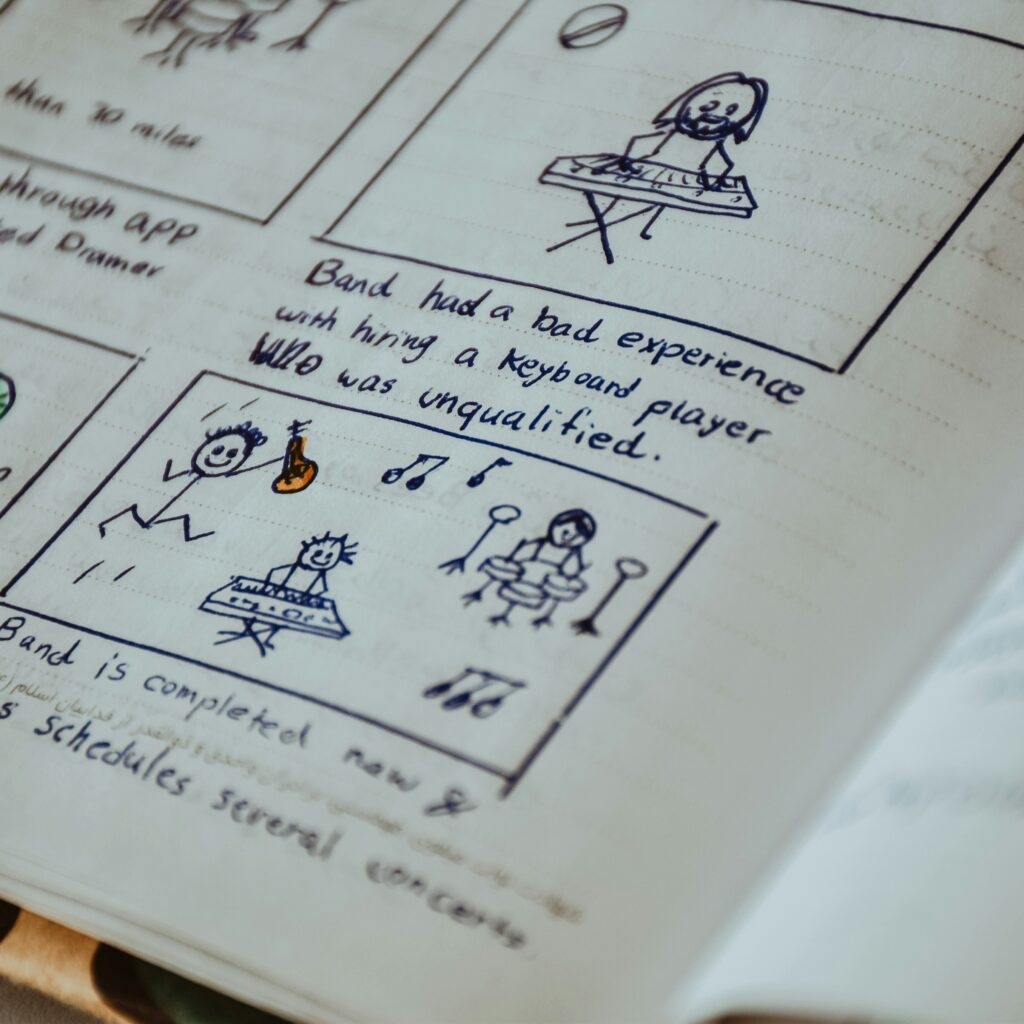
This step will allow you to clearly visual the lesson before you begin creating it, and to check its flow at a glance.
Tips for storyboarding:
- Start with specific learning goals: What should learners know or be able to do after the lesson.
- Break content into bite-sized chunks: It can be tempting to squeeze in a lot of information, but each microlesson should focus on one main idea.
- Keep it visual and sequential: Consider the flow of information. Will the lesson start with an example or a question? Will it move from theory to application, or from problem to solution.
During the ACCESS 2.0 project, we structured microlessons around key messages and related misinformation, giving us a concise idea of what the microlesson content should include. For example:
- Key message: Choices about what to buy and consume directly influence environmental impact.
- Misinformation: Buying green products is just a marketing scheme and doesn’t help the environment.
A well-thought-out storyboard ensures that your lesson stays focused, engaging, and easy to produce using digital tools.
Designing Microlessons: Tools in Practice
Once you have your storyboard, it’s time to bring your microlesson to life! With a seemingly infinite choice of digital tools for microlesson creation, it can be hard to know where to start. The following section will outline the tried-and-tested tools we used when creating our own microlessons.
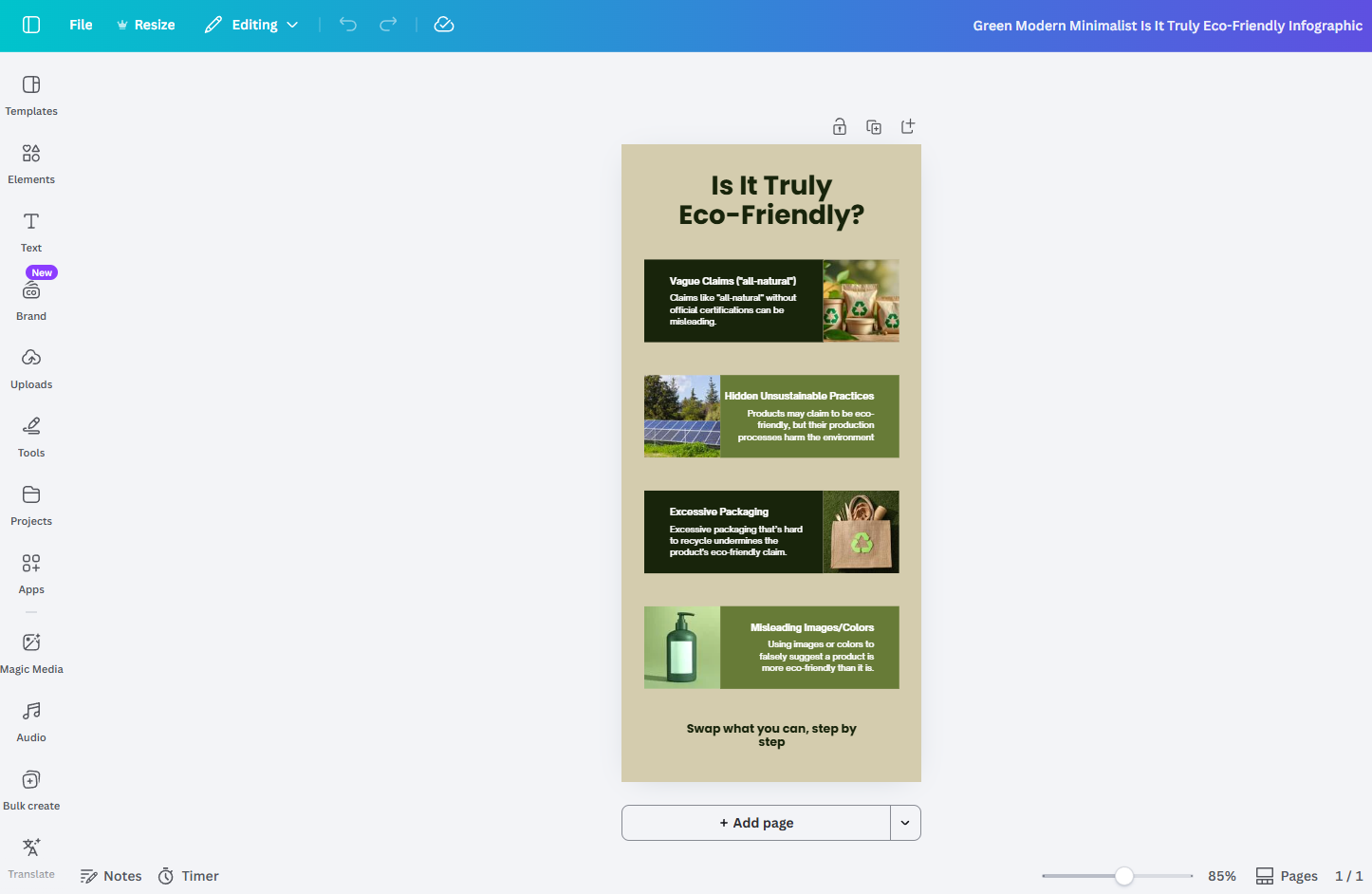
Canva: Best for Visual Content and Video-Based Microlessons
Canva is a versatile, and well-loved tool for creating infographics, short animations, and videos (and much more!) Its drag-and-drop interface allows you to design professional-looking visuals with zero graphic design experience. You can sign up for a free account at www.canva.com, with optional paid features, but the free version works perfectly for microlesson creation. For guidance on using Canva specifically for microlessons, check out our YouTube tutorial here: https://www.youtube.com/watch?v=CznSaDBZdbs.
Canva is particularly useful for:
- Short explainer videos
- Visual slideshows
- Infographics summarising key ideas
Pixton: Best for Storytelling and Scenario-Based Learning
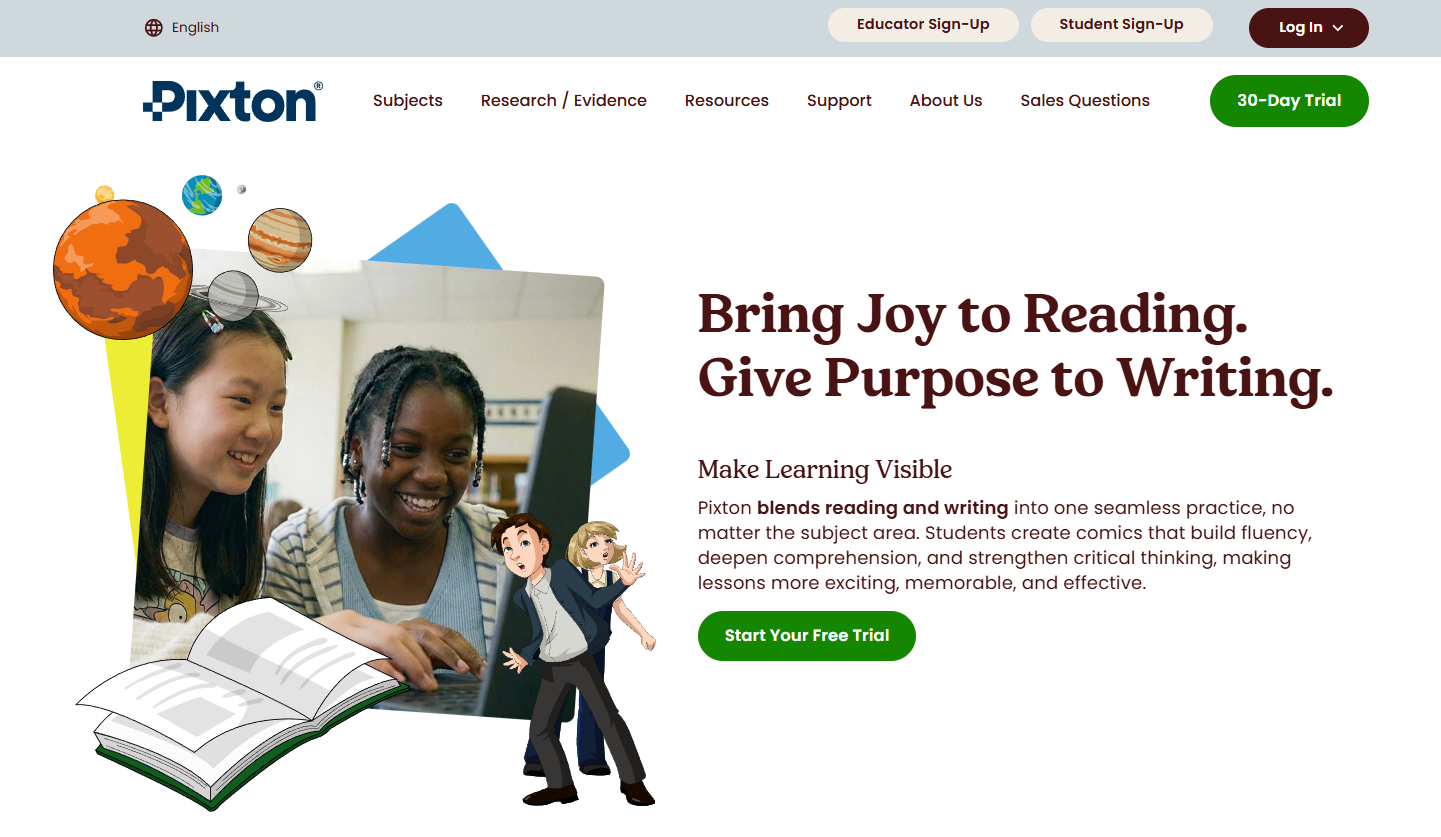
Pixton adds a creative twist: you can easily create comics strips that illustrate complex ideas, scenarios, or dialogues. This can be particularly effective for:
- Demonstrating cause-and-effect relationships
- Presenting ethical dilemmas
- Exploring misinformation through realistic scenarios
Pixton offers a free trial, along with paid plans for educators. Find them at www.pixton.com.
Interacty: Best for Interactive Microlessons
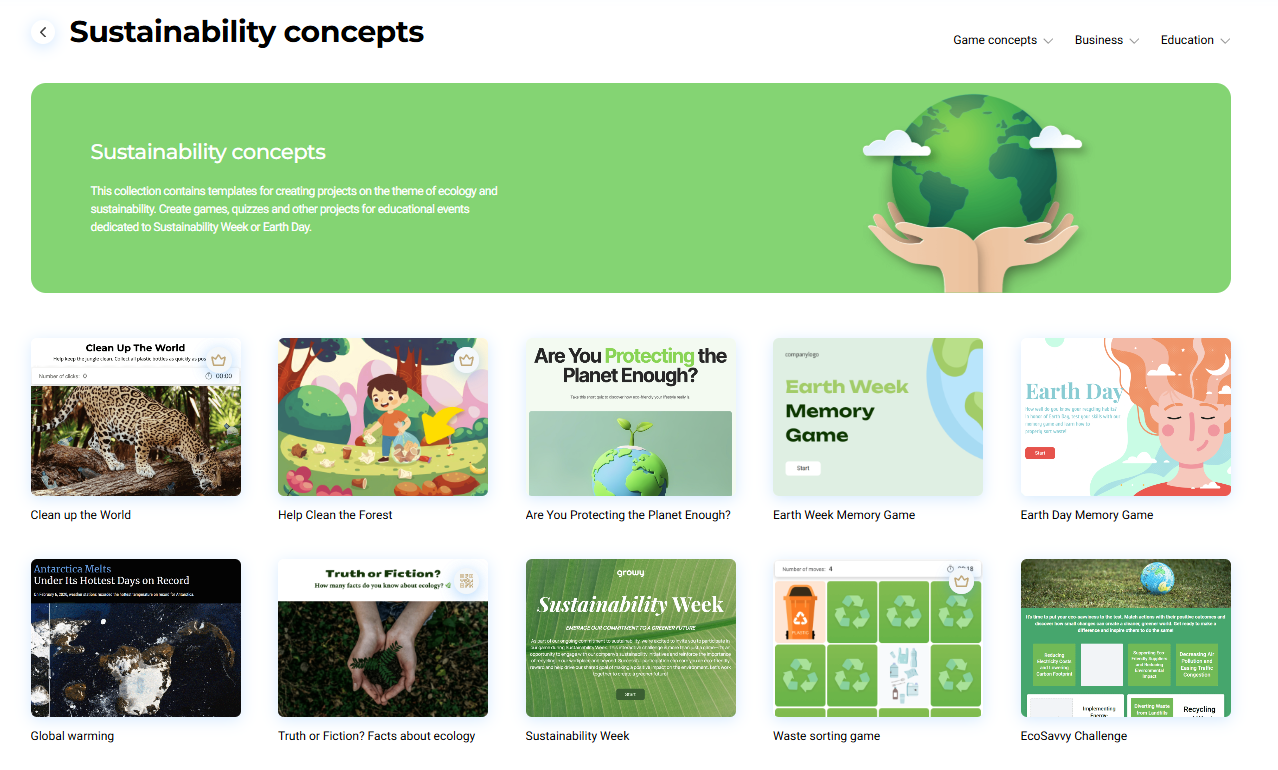
Interacty is a versatile tool that allows educators to create not only multimedia content like videos, presentations, and infographics, but also interactive activities such as quizzes, memory games, drag-and-drop games, and clickable videos. This makes it a strong all-in-one option for developing complete microlessons with high levels of interactivity, all in a single platform.
It is probably the tool with the steepest learning curve among those presented here, especially for beginners. However, once you become familiar with its interface, the results are well worth the effort. Interact also allows you to easily embed activities into websites or learning platforms, which makes it a flexible option for adult educators working in online environments.
Interacty offers a range of tutorials for getting started. Alternatively, you can find our educator-specific mini-workshop on using Interacty for microlearning in this YouTube video https://www.youtube.com/watch?v=QVO5kjUn9Lo – skip to 02:08:00 to go directly to the workshop!
Pedagogical Tip!
Visuals enhance comprehension and retention, especially when exploring abstract or complicated concepts. Keep designs clear and consistent, and use visual aids such as photos, images, and graphics that reinforce the written content, rather than distract from it.
ElevenLabs: Best for Adding High-Quality Voiceovers to Microlessons
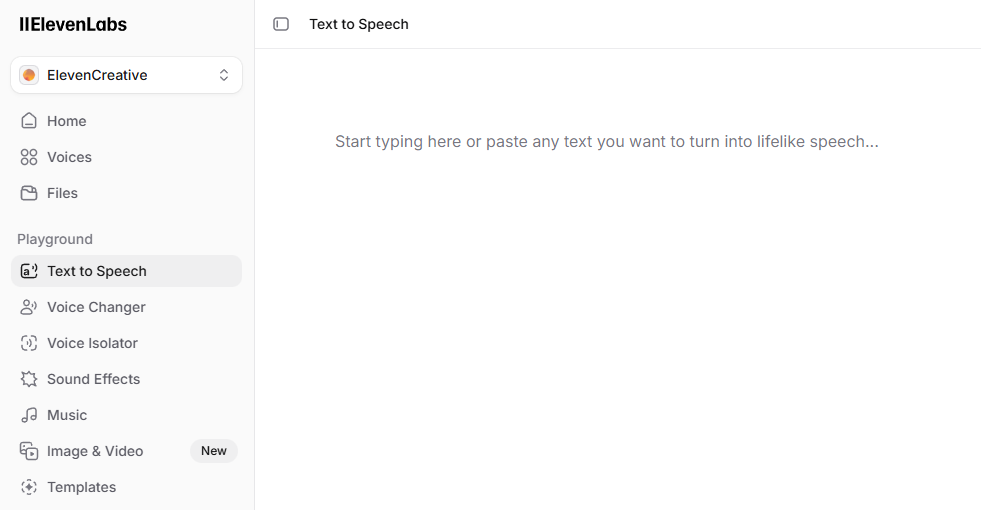
While ElevenLabs is not a tool for creating microlessons as a whole, it is an excellent addition to enhance your content with realistic, high-quality voice narration. Audio can significantly improve engagement and accessibility, particularly for adult learners who may prefer listening over reading or who are learning in a second language.
Voiceovers generated with ElevenLabs can be easily integrated into videos or presentations created in Canva or Interacty, helping to create more dynamic and inclusive learning experiences. The platform supports multiple languages, the option to choose different tones based on your needs, and offers a generous free tier, making it accessible for educators and organisations working with limited budgets.
When using AI-generated audio, it is still important to keep scripts clear, concise, and conversational to maintain a natural learning flow.
Accessibility Tip!
When designing visuals, it is important to consider learners with visual impairments or reading difficulties. Using high-contrast colour combinations between text and background helps ensure readability, and free tools such as the Colour Contrast Checker can support this. Choose clear, legible fonts and ensure text is large enough to read comfortably (generally at least 16–18pt), and aim to follow basic WCAG guidelines for digital content. By keeping accessibility in mind from the start, you can make your microlessons more inclusive and effective for a wider range of learners.
Bringing Pedagogy and Tools Together
While digital tools make microlesson creation easier, pedagogy remains at the core of effective learning.
To create impactful microlessons:
- Start with clear learning objectives
- Keep content short and focused
- Include opportunities for interaction and reflection
- Ensure visuals and narration enhance, rather than hinder, understanding
The tools should always serve the learning – not the other way around.
Creating engaging microlessons is both practical and achievable with the right approach. With clear planning, thoughtful design, and interactive elements, educators can transform complex topics into accessible, bite-sized chunks. With tools like Canva, Pixton, Interacty, and ElevenLabs, it is easier than ever to create flexible, engaging content that fits into adult learners’ busy lives.
For inspiration, head over to www.eco-bits.eu/access2-teachers-resources and take a look at our microlesson library.